On This Page
Need more help?
 Contact Us
Microsoft Education
The way you access Microsoft Teams from Learning@Griffith is changing. From Wednesday 10th September, if your course uses Teams Meetings or Class Teams, a new ‘Microsoft Education’ link on the left hand side of your course will replace the current links to Teams Meetings and Class Teams functionality (these deprecated links will be removed on Monday 15th September).
Meeting schedule through the old Microsoft Teams Meetings page do not appear on Microsoft Education. You will need to access existing MS Teams Meetings from within your outlook calendars.
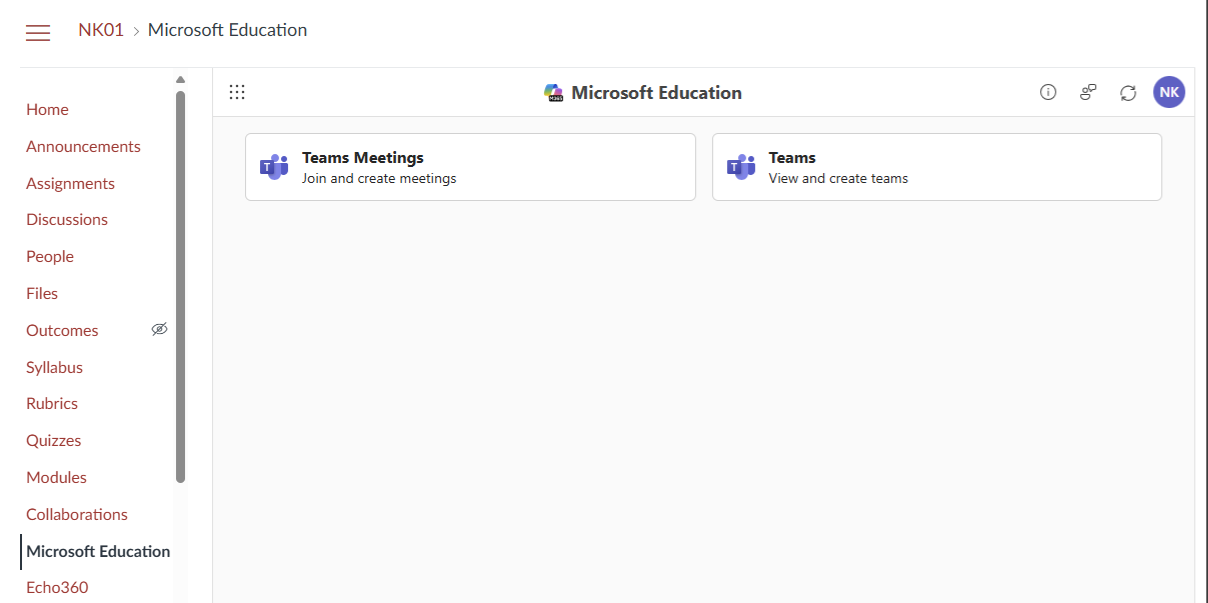
Any existing meetings or class teams that you have already won’t be impacted and will appear within the new ‘Microsoft Education’ link
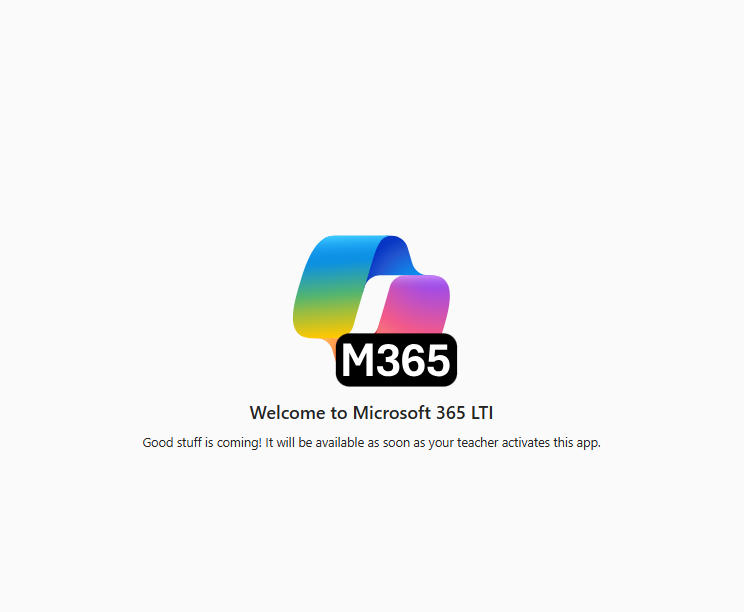
To access the Microsoft Education page the course instructor needs to finish the set up process or the Microsoft Education link will appear like this:
Joining Meetings In Microsoft Education
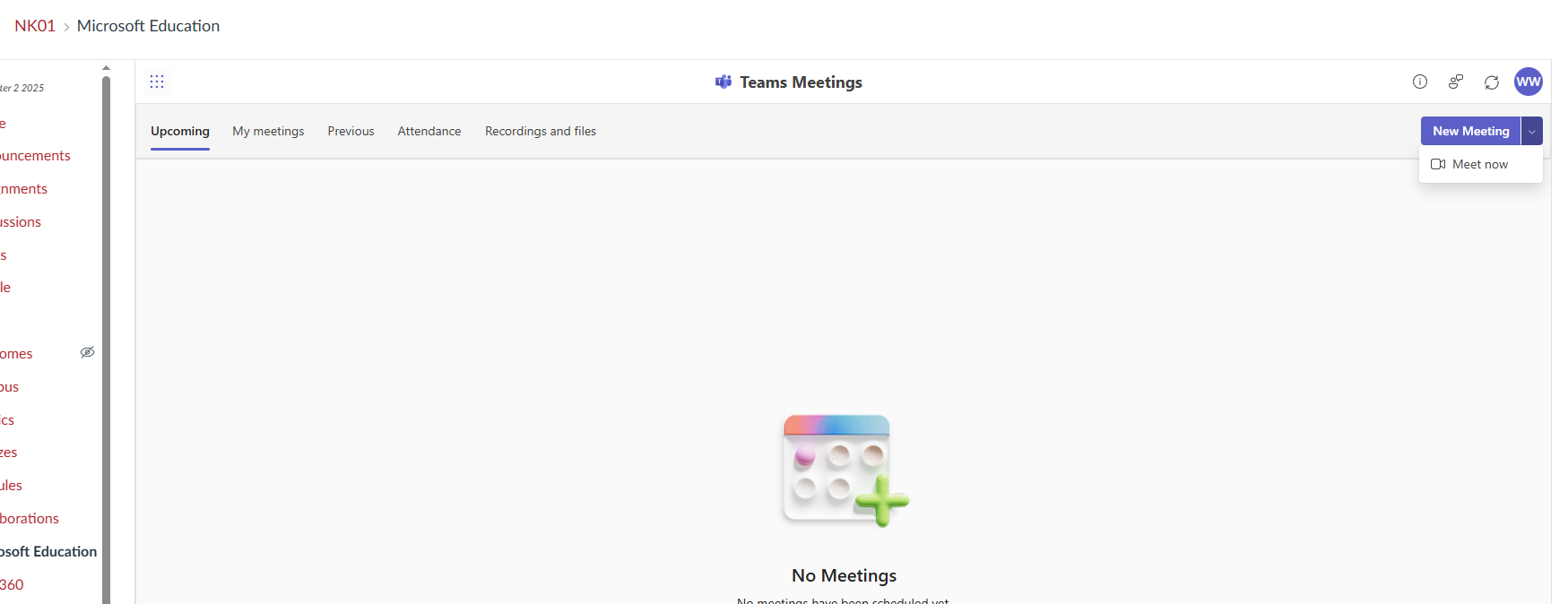
The Teams Meeting page has been updated in Microsoft Education with new tabs for Upcoming, My meetings (Meetings you have scheduled), Previous meetings, and Recordings/files.
Accessing Course MS Teams Site
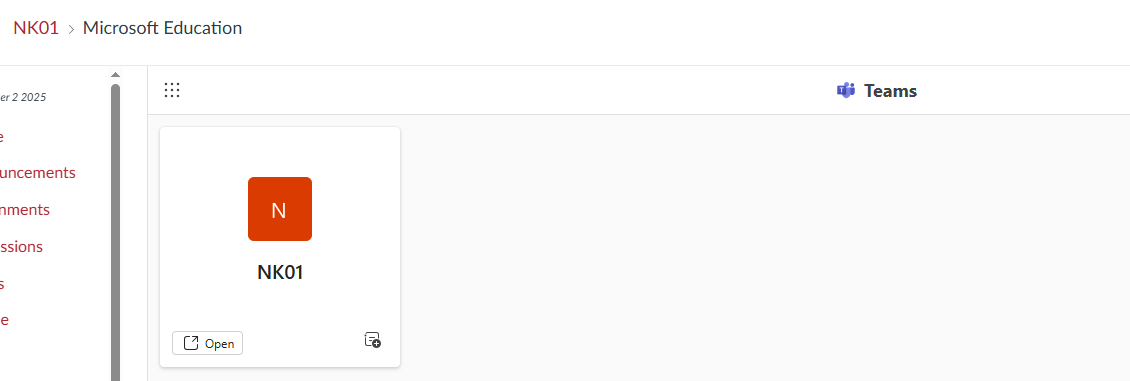
The course Teams site is still accessible through the Microsoft Education menu link by select the "Teams" option: