Instructions
1. Login to the Griffith portal, or any Griffith system using Single Sign-on to access (e.g. email) from the browser > enter your sNumber and password.
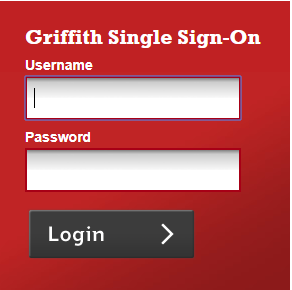
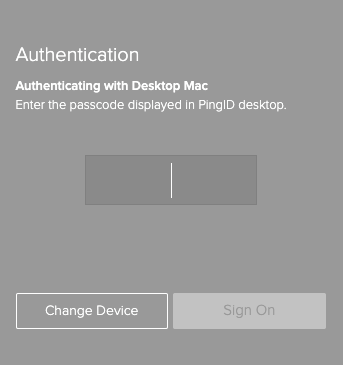
An Authentication window will prompt you to enter a passcode.
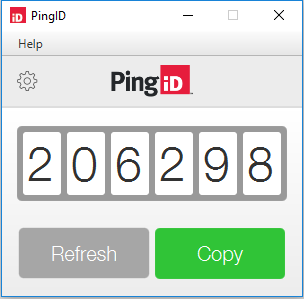
2. To generate a passcode > go to Spotlight Search > type 'PingID' > the PingID will appear in your Dock.
Note: to save to your Dock > right click the PingID > click Options > select Keep in Dock.
3. The PingID desktop application displays a one-time passcode > select Copy to copy the passcode
4. Paste the copied passcode into the Authentication window.
Note: Ensure the browser window is selected when you paste the passcode.
You can only use a passcode once > click Refresh to generate a new passcode if required
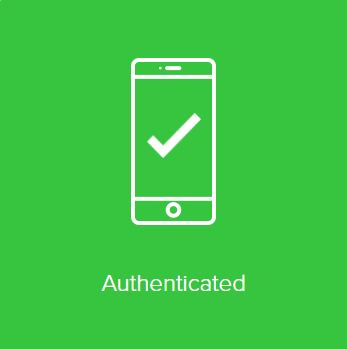
5. The green check mark indicating authentication is successful will appear and the Griffith resource will open.